NIALLI VISUAL PLANNER FOR LEAN SPECIALISTS
Accelerate Lean construction adoption
Nialli™ Visual Planner supports every stage of the Last Planner System® process, keeping construction planning hands-on, visual and easy to follow for everyone.
Perhaps your Lean initiatives are getting stalled because of...
Limited traction
Your teams are taught how to use collaborative planning methods but they shift back into old habits once training is finished.
No progress visibility
You see the success of Lean initiatives firsthand but have no way to show the wider organization what's actually working.
Poor remote engagement
Your teams have questions on how to pull plan more effectively. but you have limited ability to assist them when you're away from the site trailer.
Discover Nialli Visual Planner
Drive predictable outcomes with real-time, multitouch digital pull planning
Learn fast
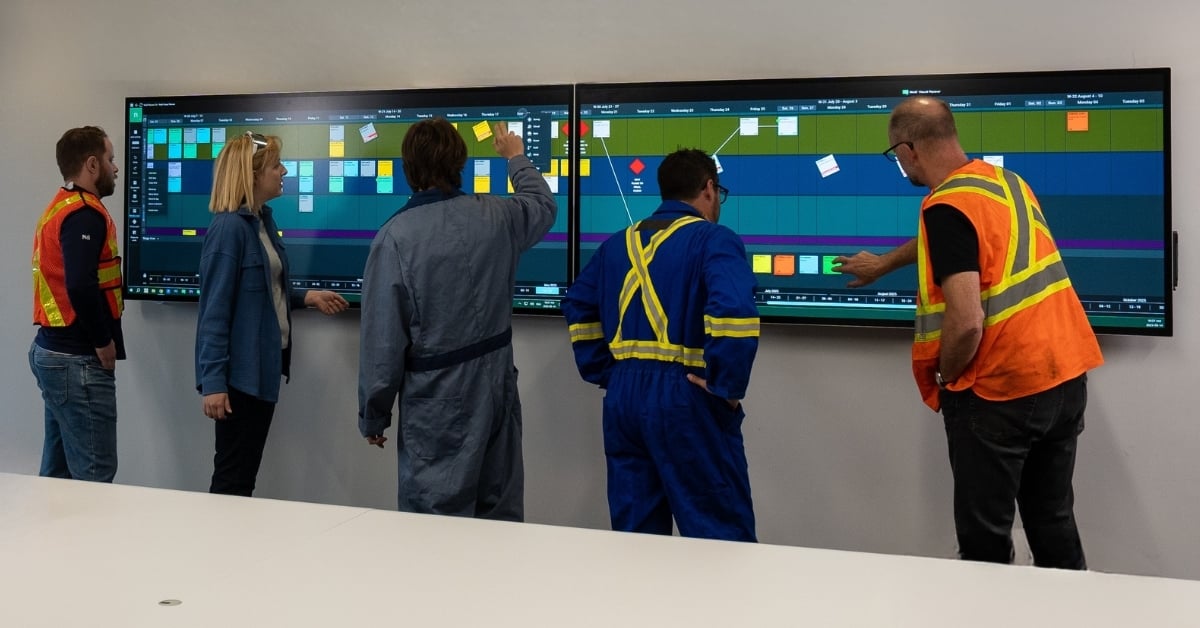
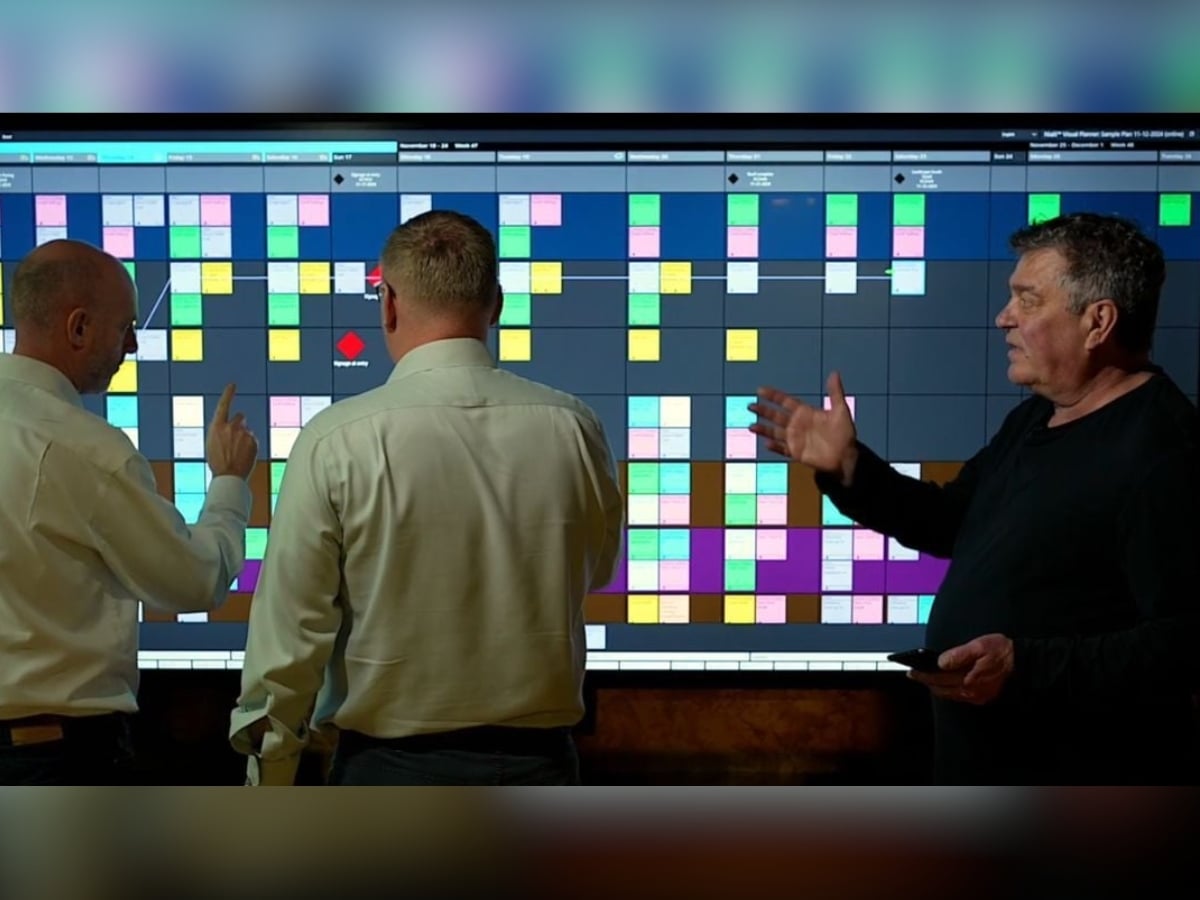
Get crews up to speed in minutes. Drag-and-drop tags are visual and easy to learn, just like using sticky notes.
Collaborate anywhere
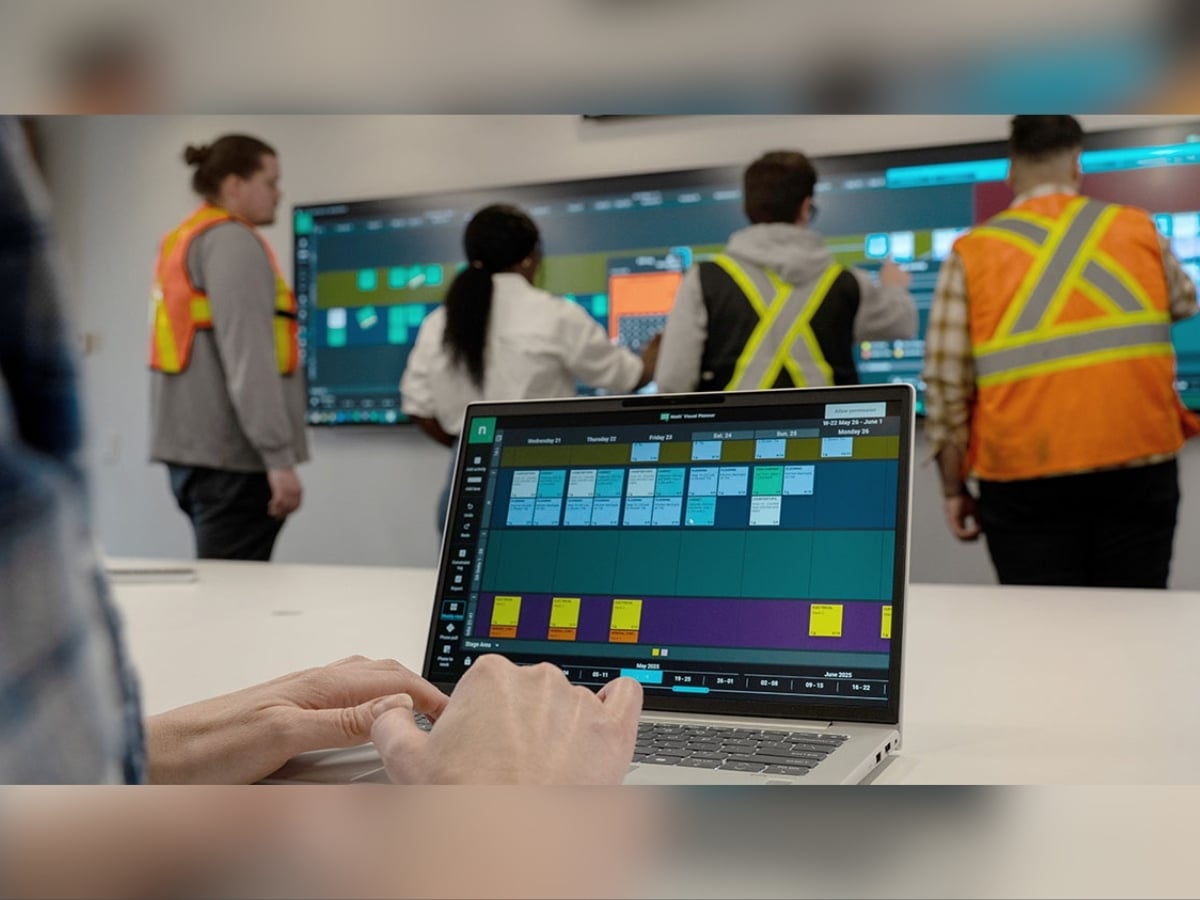
Stay synced in real time. Access digital pull plans from any location and any device. No downloads required.
Extract insights
Automatically generate robust reporting on Lean metrics including PPC, reasons for variance and scheduled tasks.
Show dependencies
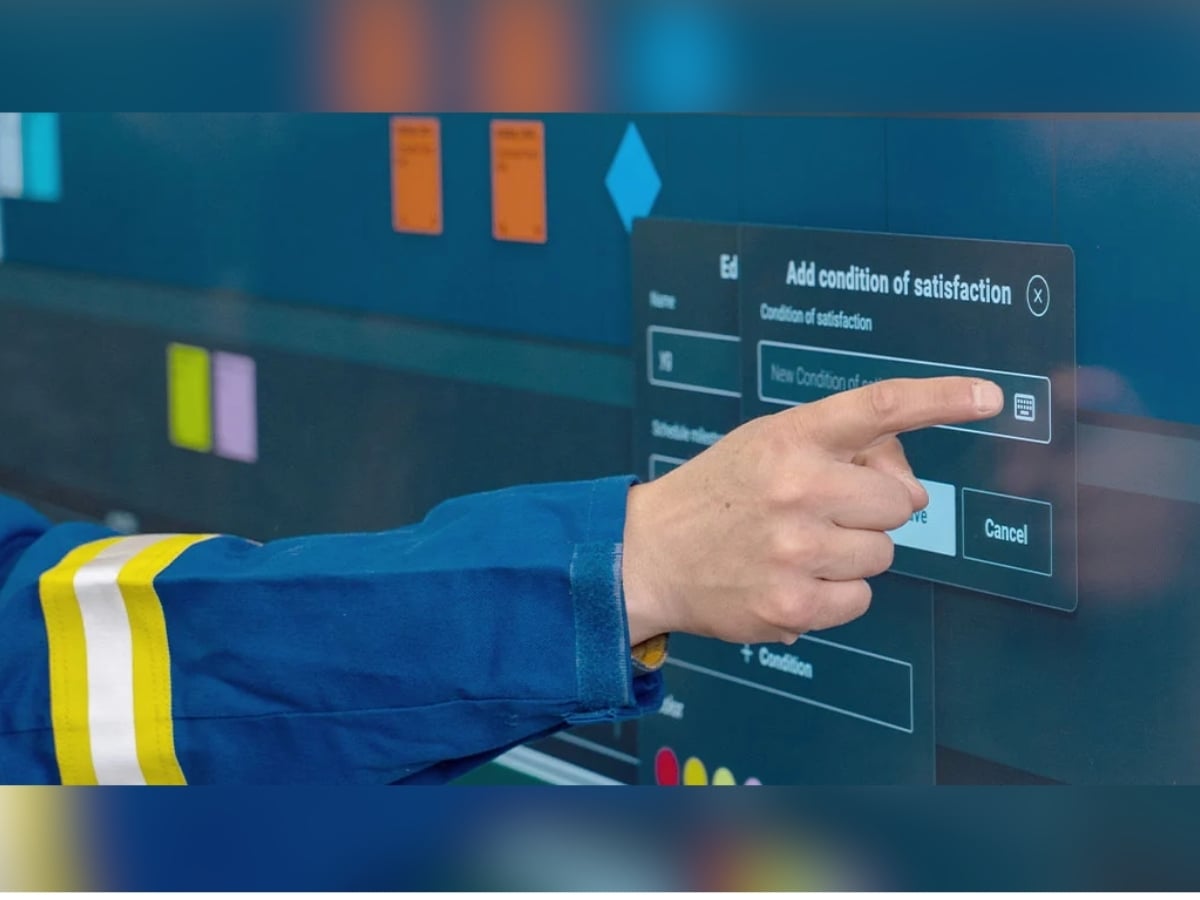
Keep everyone accountable with transparent handoffs between tasks. Visual indicators show when tasks are off schedule.
Plan collaboratively
Connect up to three touch displays for a true Big Room planning experience. Multiple users can interact at the same time.
Manage centrally
Keep track of all of your company's subscriptions and configure global settings in the Nialli admin portal.
Why invest in visual planning?
Nialli Visual Planner transforms traditional pull planning into a highly visible, digital workflow that connects the jobsite trailer to remote teams.
Lean managers gain instant clarity on progress and reasons for variance, driving continuous improvement and stronger project accountability across all trades.
“I truly believe in collaboration. Nialli Visual Planner is easy to use and enables teams to collaborate using an interactive wall. The way users interact with the system is very close to the well-received and proven production planning of the original Last Planner System. For me, this is one of the best ways to use digital technology to implement LPS for construction.”
Your questions, answered
-
Why should I consider Nialli Visual Planner over paper-based planning methods?
Traditional paper-based pull planning and sticky notes have long been staples of Lean construction. However, managing analog boards on large-scale projects quickly becomes cumbersome. Paper offers no way to capture automated data and leaves teams completely disconnected once they step out of the site trailer.
Nialli Visual Planner preserves the tactile, collaborative feel of sticky note planning while eliminating the logistical headaches of analog tracking. Here is why Lean managers are transitioning from paper to digital pull planning:
1) Real-time remote collaboration — Paper-format boards require everyone to be in the same room. Nialli Visual Planner connects off-site stakeholders, project managers and field crews instantly.
2) Automated Lean metrics and analytics — With paper, calculating PPC and Reasons for variance requires manual data entry into spreadsheets, which wastes time and introduces human error. Nialli Visual Planner automatically captures this information during the planning process, generating robust reports to help you drive continuous improvement.
3) Infinite digital workspace — Physical whiteboards are constrained by wall space, forcing teams to limit their lookahead windows and constantly shift tags. Nialli Visual Planner offers an unlimited digital planning canvas, supporting expansive lookahead schedules and complex phase planning without crowding site trailers or increasing real estate overhead.
4) Seamless master schedule integration — Paper tags don’t talk to your contractual schedule. Nialli Visual Planner bridges the gap between high-level scheduling and daily execution. You can import your master schedule directly into a plan to kick off a pull planning session. You can use digital tools to shift or copy tags instantly. And trades can pre-populate activities ahead of coordination meetings to keep sessions fast and focused.
-
How do I transition a team from analog pull planning to digital?
Nialli Visual Planner is designed to replicate the pull planning processes teams are already familiar with using on paper, making the transition process seamless. Check out our Getting Started for Trades video to see how easy it is for field users to learn Nialli Visual Planner in minutes.
Our team is also available to support you during the onboarding and implementation process. Learn more about our project support services.
-
What are the benefits to using software for Big Room collaboration?
Using software like Nialli Visual Planner for Big Room collaboration improves project outcomes in the following four ways:
- Empower field teams anywhere: Enable seamless, real-time collaboration between the jobsite and off-site stakeholders. Mobile access lets crews log updates instantly, saving time and keeping everyone aligned.
- Generate data from planning: Capture high-quality field data automatically during the planning process. Standardization cuts out administrative busywork and fuels continuous improvement across your entire project portfolio.
- Scale beyond physical whiteboards: Say goodbye to crowded site trailers. An infinite digital workspace allows for expansive look-ahead schedules and reduces overhead costs associated with needing additional physical planning space.
- Manage workflows efficiently: Stop wasting time spent manually duplicating efforts. Import your contractual master schedule directly into your pull plan, use digital tools to shift tasks instantly and enable trades to pre-populate activities in the staging area to keep meetings fast and focused.
-
What makes Nialli Visual Planner different from other digital planning tools?
Most digital pull planning tools fall into two extremes: Either they're a rigid, complex construction scheduling software that sidelines field teams or they're a generic digital whiteboard that fail during day-to-day project execution.
Nialli Visual Planner bridges that gap. It combines the tactile ease of sticky note planning with the robust structure required for daily project management. Built specifically for Lean construction workflows, Nialli Visual Planner makes it easy for field teams to seamlessly transition from planning sessions to real-time execution without duplicating work or switching platforms.
-
How does Nialli Visual Planner integrate with other scheduling tools and processes?
Information from Nialli Visual Planner can be shared with other scheduling programs. Data can be imported into Nialli Visual Planner from a contractual or master schedule to commence the planning process. When you need information back, Nialli Visual Planner data can be exported out to Microsoft® Excel or Power BI reports. Nialli also offers a custom API.
-
What training and support is available?
All Nialli subscriptions include our Getting started support package, which includes initial setup and configuration of your licenses, a 30-minute introductory call, access to the Nialli Knowledge Hub, and technical support by phone or email.
We recommend our Project enablement package when customers or project teams are new to working with Nialli. This package includes deeper configuration of your account, role-based training for project teams, a dedicated customer success manager, and guided support during your first planning sessions. Learn more about our project support services.

-
Which devices can I use Nialli Visual Planner on?
As a fully cloud-based construction planning platform, Nialli Visual Planner runs seamlessly on any device using the latest version of Google Chrome™ (or Safari® for iOS). You can access your digital pull plans from:
- Interactive touchscreen & SMART® board displays
- Windows® and Mac® computers
- Tablets and iPad® devices
- iOS & Android™ mobile phones
To optimize the experience for crews on the jobsite, logging in on a smartphone or tablet automatically opens our mobile field view. This simplified, high-visibility interface lets field teams view tasks and update progress instantly without navigating a complex desktop layout. Learn more about supported devices.
-
What is the licensing model for Nialli Visual Planner?
Nialli Visual Planner has a plan-based licensing model, instead of charging per user.
Licensing is based on the number of plans (planning areas) in your project, and each plan can have an unlimited number of users collaborating. This means you’re not paying for individual seats. Instead, your fees are based on how your project is structured, such as the number of zones, phases, or buildings you need to manage.
Because the number of users is unlimited, it’s easy to involve your full team without worrying about increased costs as more people are added. Learn more about pricing.
How Visual Planner aligns to the Last Planner System®
Learn more about implementing the Last Planner System digitally and how Nialli Visual Planner aligns to each stage.
Building a digitally enabled Big Room
Big Rooms are more than just meeting venues! Learn how to optimize your space to get the most out of Lean planning in a digital setting.
Making construction planning hands-on
Construction is a hands-on occupation, so why isn't planning? See why hands-on engagement is so important for driving Lean construction adoption in the field.
DISCOVER NIALLI
Join an upcoming virtual lunch and learn
Not sure yet if visual planning is for you? Join us over a lunch hour for a deeper walkthrough of the collaborative planning process.
Lean software your team will actually use.
Get started with Nialli Visual Planner today.