
 Laura Avery
Global perspectives on Lean construction planning
Collaborative, Lean‑based construction planning practices — such as the Last Planner System®, collaborative planning, Lean planning, pull...
|
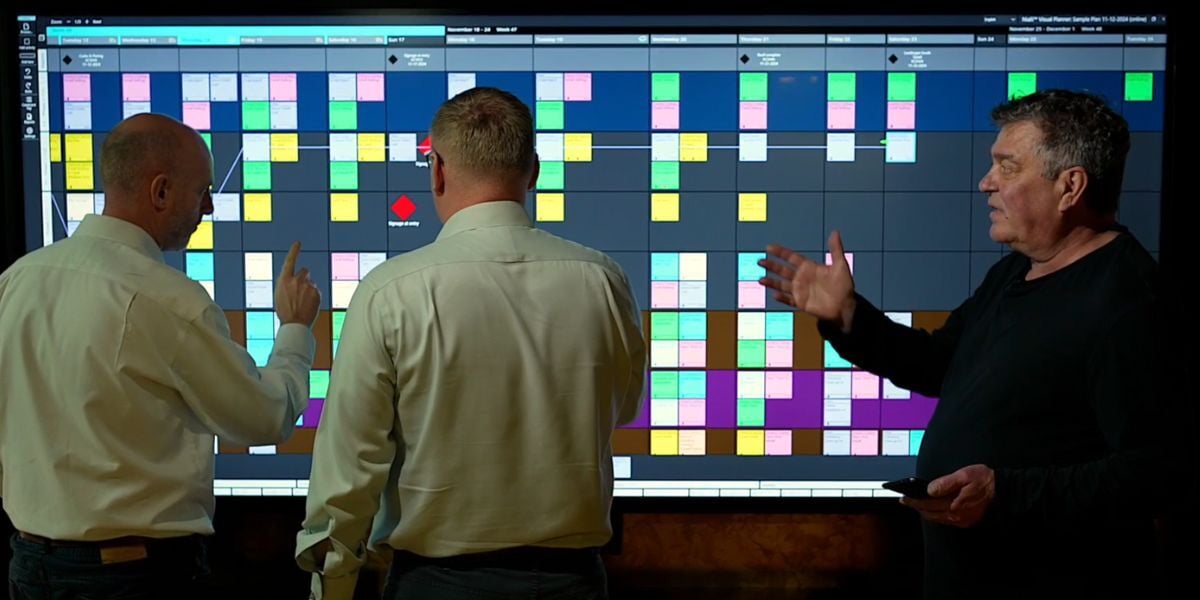
See how Nialli Visual Planner aligns with each stage of the Last Planner® System (LPS® ), making it easy for teams to transition their pull planning sessions from sticky notes to digital without losing hands-on interaction, visualization and simplicity. By bringing LPS planning online, construction teams benefit from being able to access their information from anywhere, data capture happens automatically, and meetings are faster with less administrative burden. |
Construction projects can be complex, and traditional scheduling often falls short when real-world challenges hit the jobsite. This is where the Last Planner System®(LPS®) comes in - a proven, collaborative approach that puts the planning power into the hands of those closest to the work. Instead of rigid top-down schedules, LPS uses a team-focused method of planning that improves workflow, reduces waste and drives more predictable outcomes on projects.
The Last Planner System is a collaborative production planning and control methodology used primarily in Lean construction to improve workflow, reduce waste and enhance project outcomes. Developed by Glenn Ballard and Greg Howell in the 1990s, LPS brings the responsibility of planning closer to the people responsible for completing the work — hence the name Last Planner. These individuals would typically be your foremen, supervisors and project managers on-site building the project.
Traditional top-down construction scheduling often fails to get projects delivered on time because there’s no way of allowing for all the real-world constraints that can occur on a construction site. LPS addresses this problem by focusing on the following:
Getting more detailed in planning as the work approaches rather than attempting to build perfect plans at the outset of a project.
Emphasizing the importance of keeping work flowing at a steady pace by identifying and removing potential constraints and bottlenecks before the tasks begin.
Having ground-level decision-makers actively participating in the planning process and holding them accountable to the commitments they make to one another.
Fostering a culture that learns from performance breakdowns and uses that knowledge to get better on future projects, rather than playing the blame game.
LPS can be broken down into five stages: What should get done, what can be done, what will be done, what did get done and what the team can learn from the process.
.jpg?width=1000&height=588&name=LPS%20Blog%20graphics%20(4).jpg)
It starts at a high level with master planning, where teams set their milestones based on contractual commitments to the project owner. Next comes phase planning, where teams evaluate together what can get done in the next 6 to 8 weeks, focusing on the sequence of tasks, hand-off points and conditions of satisfaction (criteria for evaluating whether the task was done to the requirements and standards of project stakeholders).
Then the focus shifts into weekly planning. Make-ready planning is all about looking a few weeks ahead to see what might be constraining upcoming work and making a plan to remove those constraints. The weekly work plan is where the specifics for each task get defined and trades lock in their commitments to getting the work completed.
After weekly planning comes frequent coordination where the team has a quick daily huddle to confirm whether or not each task got completed.
And finally, there’s a regroup to learn from what happened on the project and run root cause analysis on why work wasn’t completed, with the purpose of improving for the next phase of work and/or future projects.
The beauty of the Last Planner System is that this process was built to be run low-tech by using pen, paper and sticky notes. This is one of the reasons LPS is preferred by field teams — it’s simple, hands-on and clear to follow.
And just like how you probably had to learn math by writing out equations by hand before your teacher allowed you to bring in a calculator, it’s never a bad idea to start simple when learning the fundamentals of LPS.
However, paper has several practical limitations, especially on large or complex projects. Planning takes longer, space is limited and there’s no easy way to share the plan or calculate robust metrics on work completion. This is where you may want to consider using digital tools to accelerate the process.
.jpg?width=800&height=471&name=LPS%20Blog%20graphics%20(5).jpg)
Nialli Visual Planner supports bringing in milestones from a master schedule to kick off the planning process (you can also add them manually). If you bring in master milestones, they will show in their own grayed-out lane at the top of the plan and can be moved down into the planning canvas. However, if the milestone in Visual Planner slips past the contractual deadline, an indicator will show on the milestones advising how many days it is overdue.
.jpg?width=800&height=471&name=LPS%20Blog%20graphics%20(6).jpg)
You can do a full phase plan within Nialli Visual Planner. The interface is designed to support multiple points of touch on interactive displays, making it easy for construction crews to map out their work in the same room together. Like milestones, activities can be imported from a master schedule to get started. Dependencies can be drawn between activities and milestones. Constraints and conditions of satisfaction can also be added at this stage.
.jpg?width=800&height=471&name=LPS%20Blog%20graphics%20(7).jpg)
When you’re happy with your phase plan, activities can be moved into your weekly schedule in phase to week mode. As you place your activities, you have an opportunity to edit them and add constraints, which will show as yellow warning dots when they are connected to tags.
.jpg?width=800&height=471&name=LPS%20Blog%20graphics%20(8).jpg)
Just like the phase plan, the weekly work view is designed to be a simple, interactive space where you and your team can plan out the fine details of each day of work. Horizontal rows represent areas of work, and each trade can be assigned a different color of tag. There’s no limit on how many users you can add — and they can access the plan from any device and location. Use simple touch gestures to move and add tags if working on an interactive board.
.jpg?width=800&height=471&name=LPS%20Blog%20graphics%20(9).jpg)
You can shorten your daily huddles by allowing teams to quickly status their tags on their own devices or by using twist gestures on an interactive display. When tags get marked as incomplete, the user is automatically prompted to add a reason for variance. In the backend, the data is being automatically logged and fed into Percent Plan Complete (PPC) reporting.
.jpg?width=800&height=471&name=LPS%20Blog%20graphics%20(10).jpg)
Data capture in Nialli Visual Planner helps with root cause analysis. It allows you and your team to get much more granular on how work progressed and spot problems faster. You can instantly show data on Percent Plan Complete and reasons for variance directly in the application. More detailed reporting is available in Microsoft® Power BI to analyze resource levels, drill into specific work areas or link to other data sources.
Nialli Visual Planner supports each stage of the Last Planner System process, keeping its simplicity and hands-on approach while injecting the power of real-time updates, constraint management and robust reporting. Construction teams can now scale up their collaborative planning efforts to projects of all scopes and sizes, using digital tools that allow them to plan smarter, adapt faster and measure results for continuous improvement.
Get the best of both worlds on your next project. Start a 30-day free trial of Nialli Visual Planner today.


Collaborative, Lean‑based construction planning practices — such as the Last Planner System®, collaborative planning, Lean planning, pull...
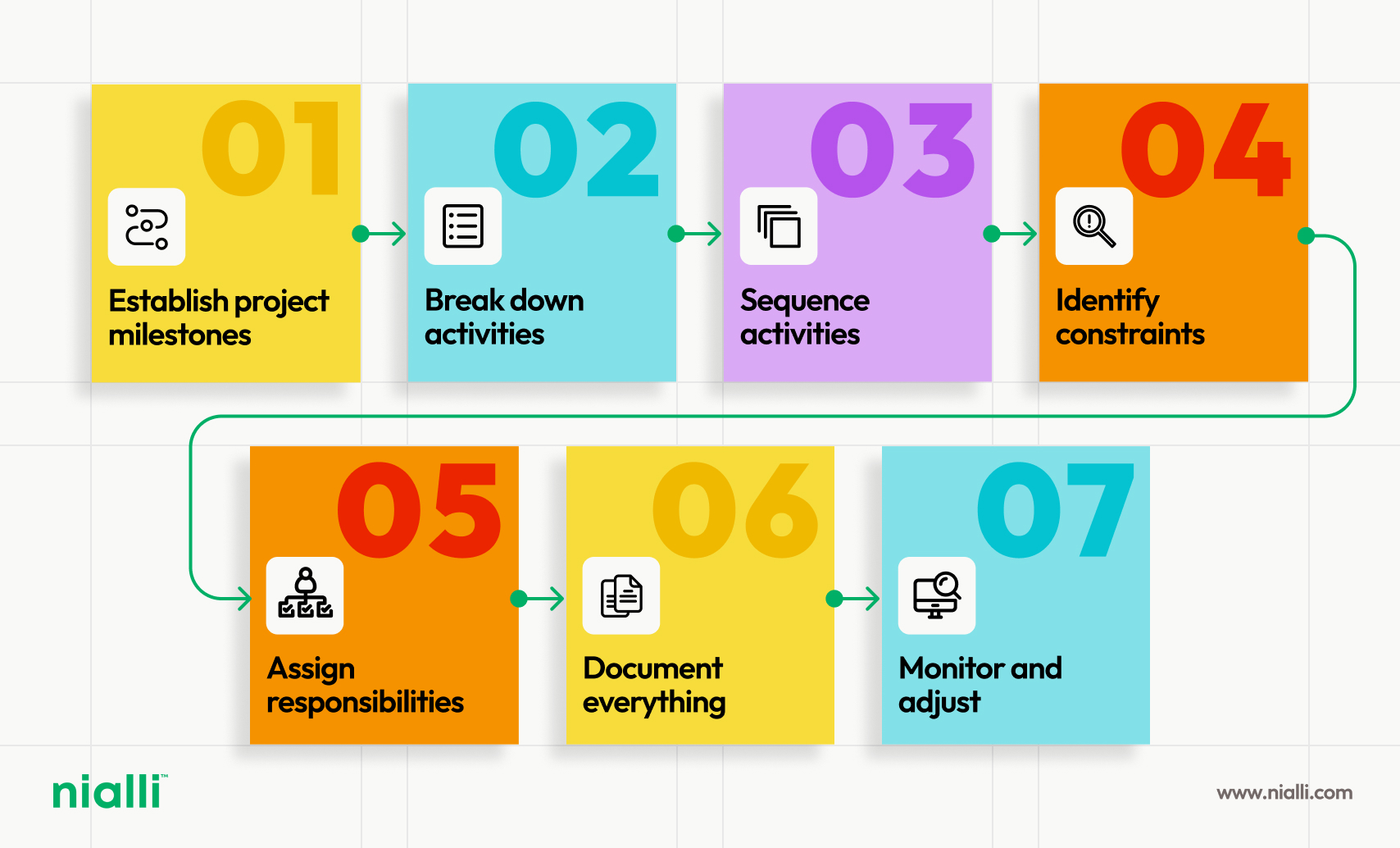
Pull planning flips traditional construction scheduling by bringing trade leads together to build sequences backward from key project...
.png)
Surging AI demand has led to an increased volume in data center construction projects, presenting risks around long-lead MEP equipment sourcing,...

By improving efficiency through pull planning and the Last Planner System®, construction firms can make the most of their available workforce.
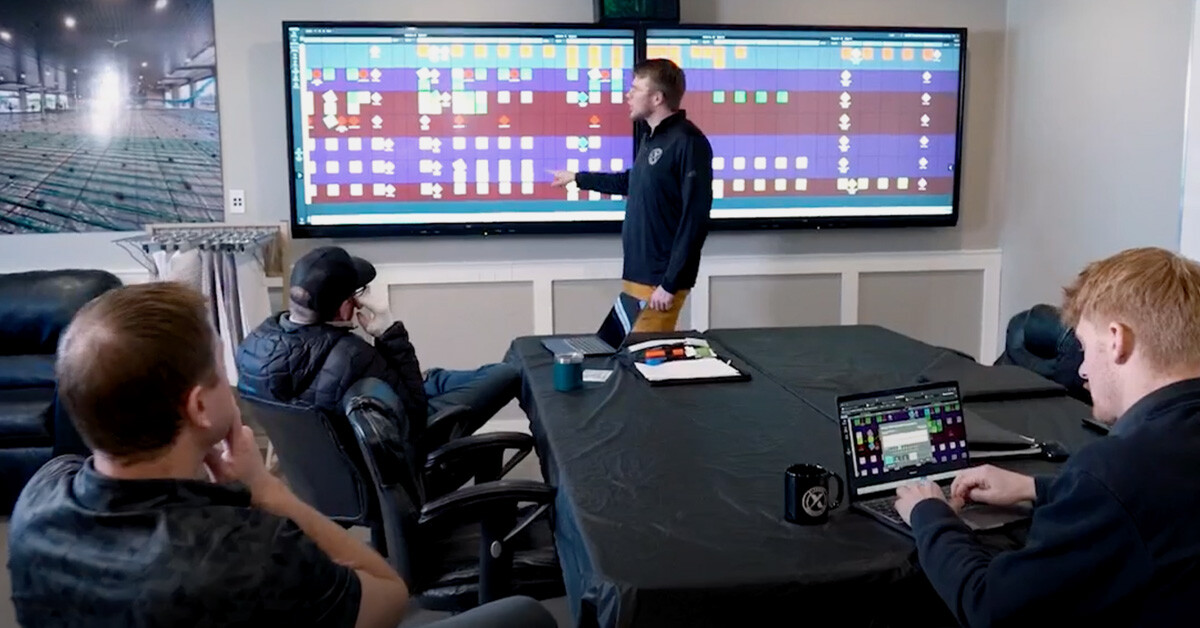
Extreme Concrete leaders describe Nialli Visual Planner's benefits, with better planning, less stress, improved communication and increased...
Going from analog to digital with Nialli™ Visual Planner has transformed construction planning for Mace, with enhanced precision and greater...